Workspace Essentials · BUYING GUIDE
A better desk starts with the things you touch.
You do not need to replace your entire setup. Start with the small frustrations that repeat throughout your day: a cramped keyboard, a mouse that does not fit, or too many cables.
Start with a normal working day
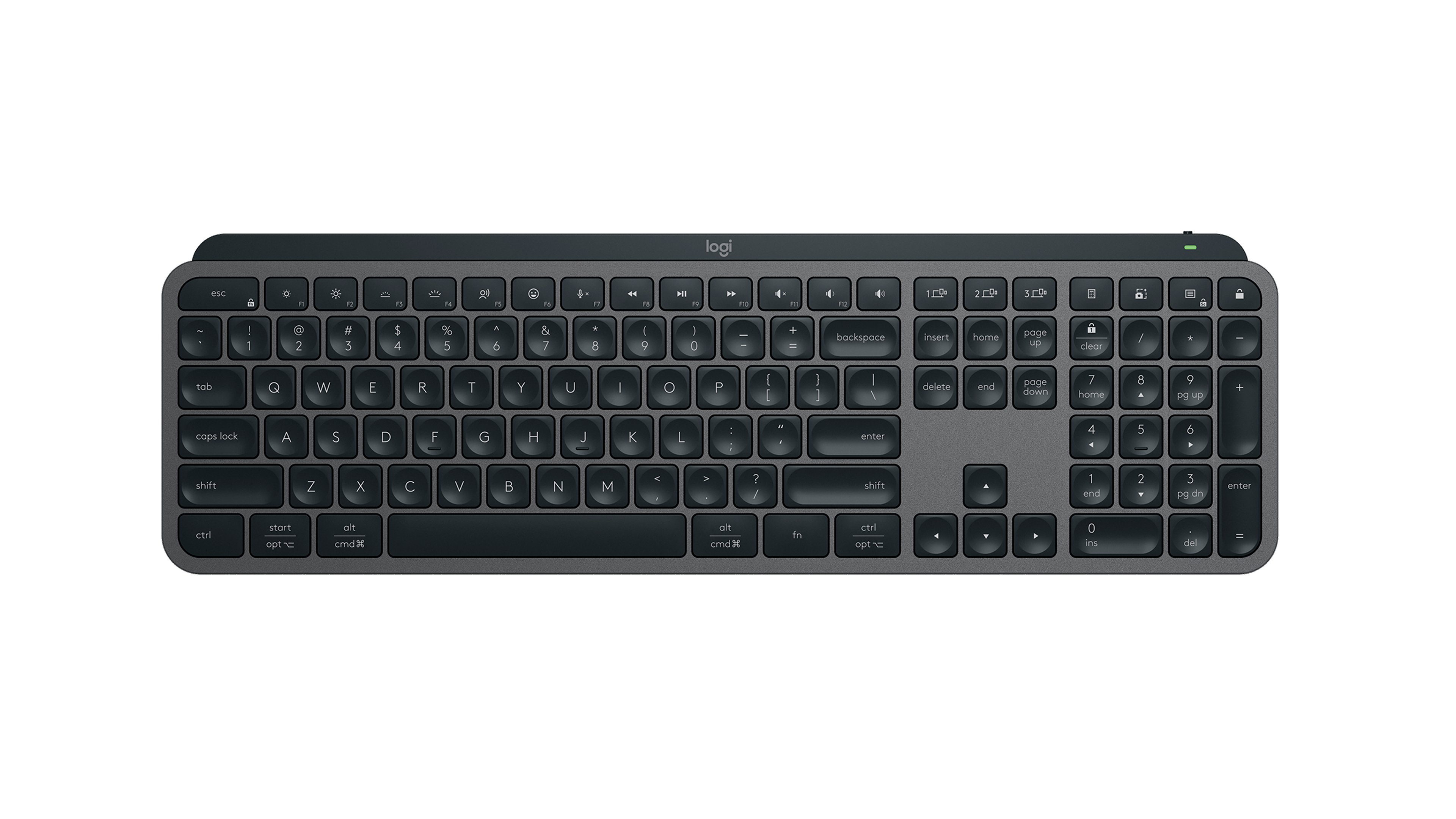
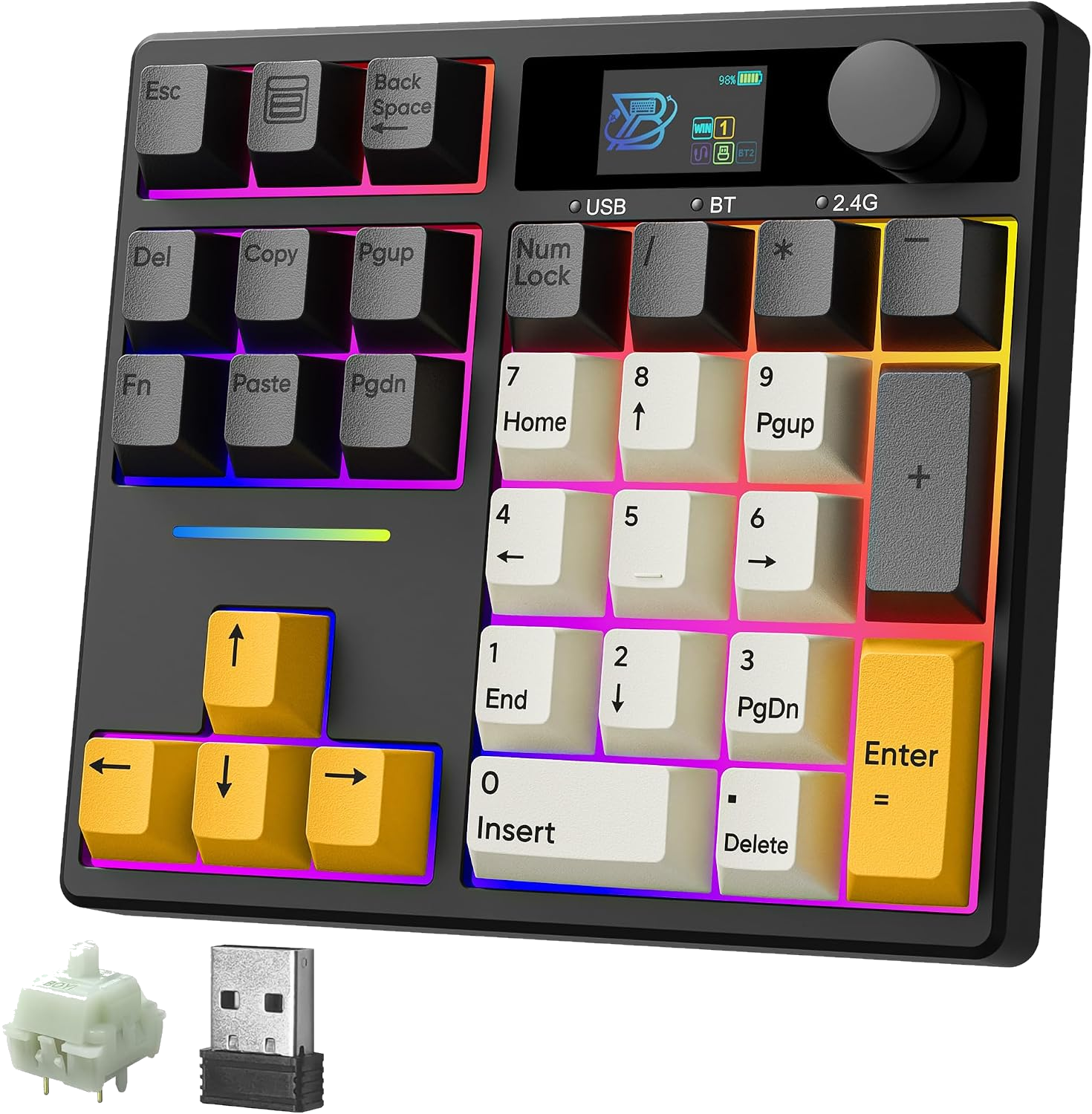
Write down the tasks you do most. A number pad may matter for spreadsheets, while a compact keyboard may make more sense on a narrow desk. Let the work decide what deserves space.
Choose the fit before the feature list
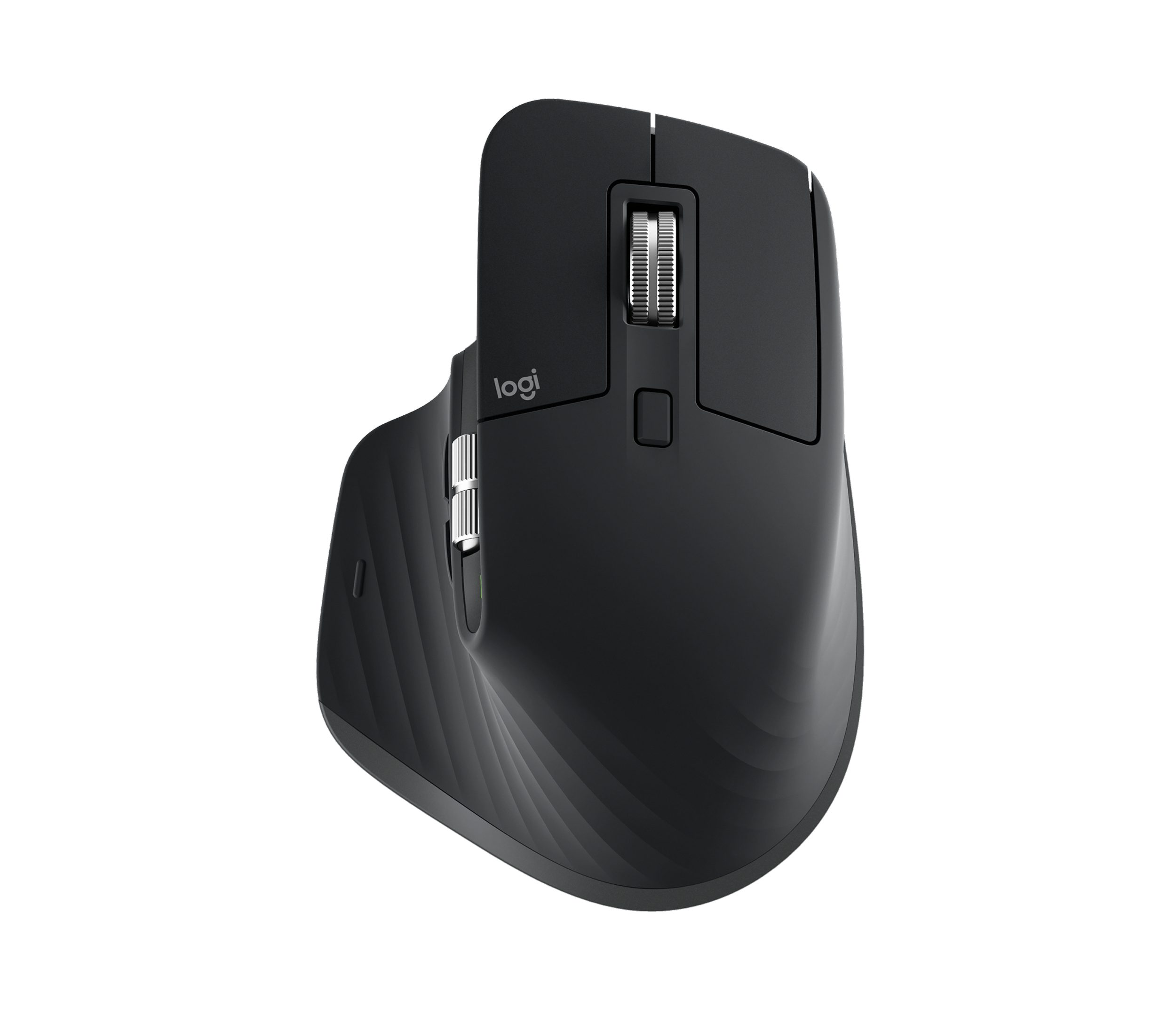
A mouse with more controls is useful only if it feels comfortable and those controls work in your apps. Check handedness, size and operating-system support before comparing extras.
Upgrade one thing at a time
Try one change for a week before adding another. Repositioning what you already own can be more useful than buying a complete matching set.
Your before-you-buy checklist
- Measure the usable desk area.
- Check keyboard layout and mouse fit.
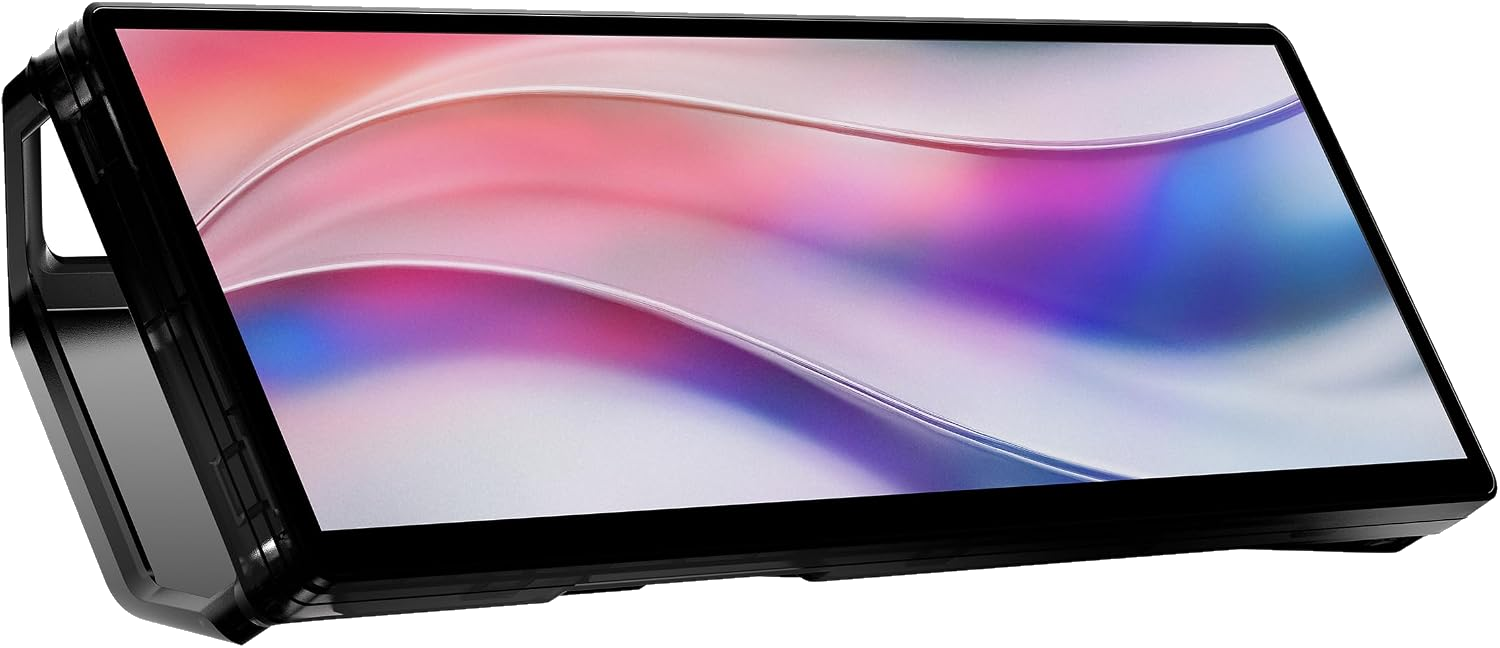
- List the ports and devices you need to connect.
Sources & approach
Product facts in this guide come from the manufacturers linked below. Selection and buying considerations are Boxire’s editorial judgment, rather than results from hands-on testing.
- Logitech — MX Master 3S ↗
- Logitech — MX Keys S ↗
- Sony — WH-1000XM5 specifications ↗
- Corsair — XENEON Displays ↗
- BOYI — Custom Mechanical Keyboards ↗