Workspace Essentials · BUYING GUIDE
Choose a mouse for your work, not its spec sheet.
A mouse is one of the few devices you may touch hundreds of times a day. The right choice depends on your grip, your applications and how often you move between computers.
Think about your grip
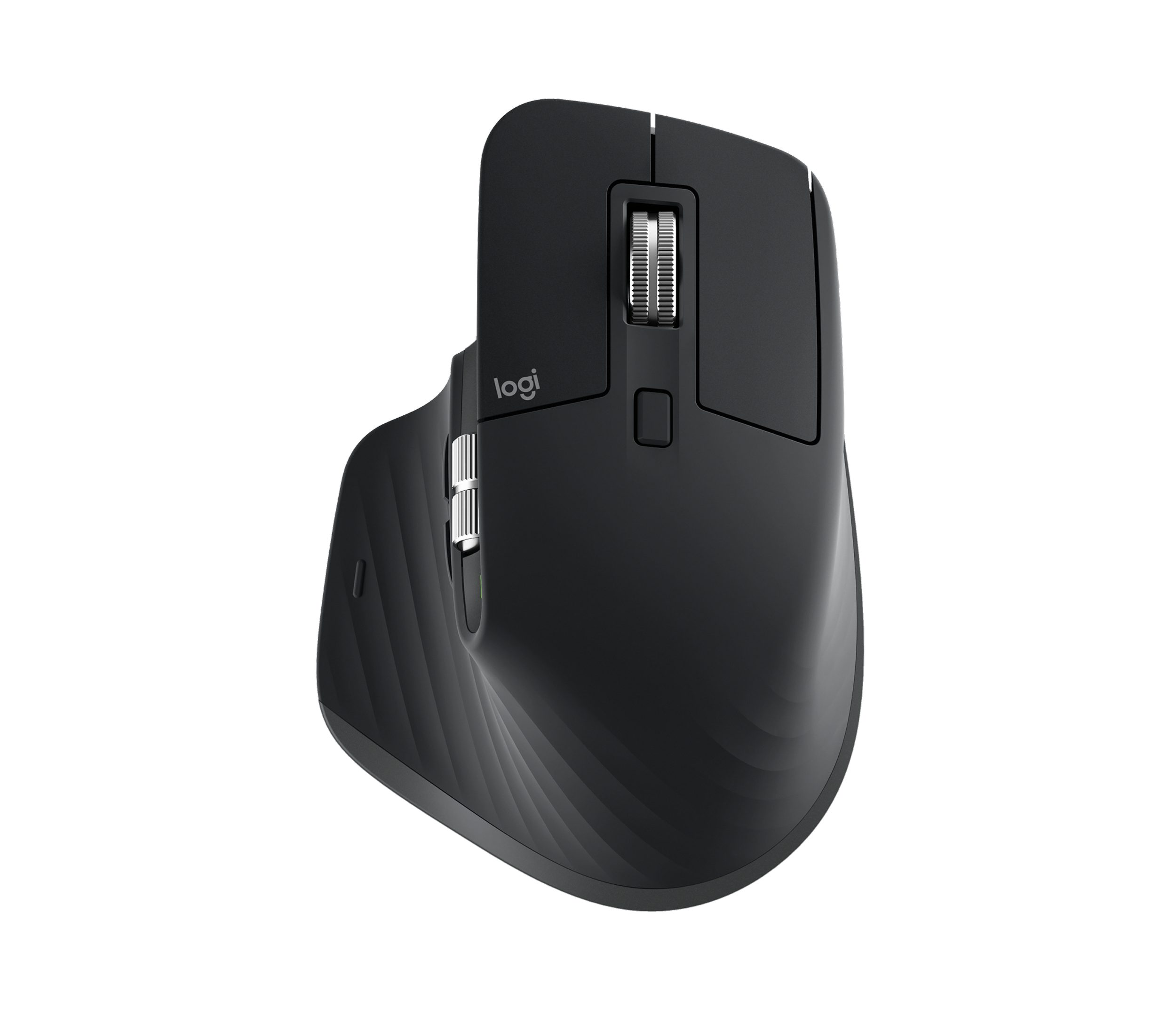
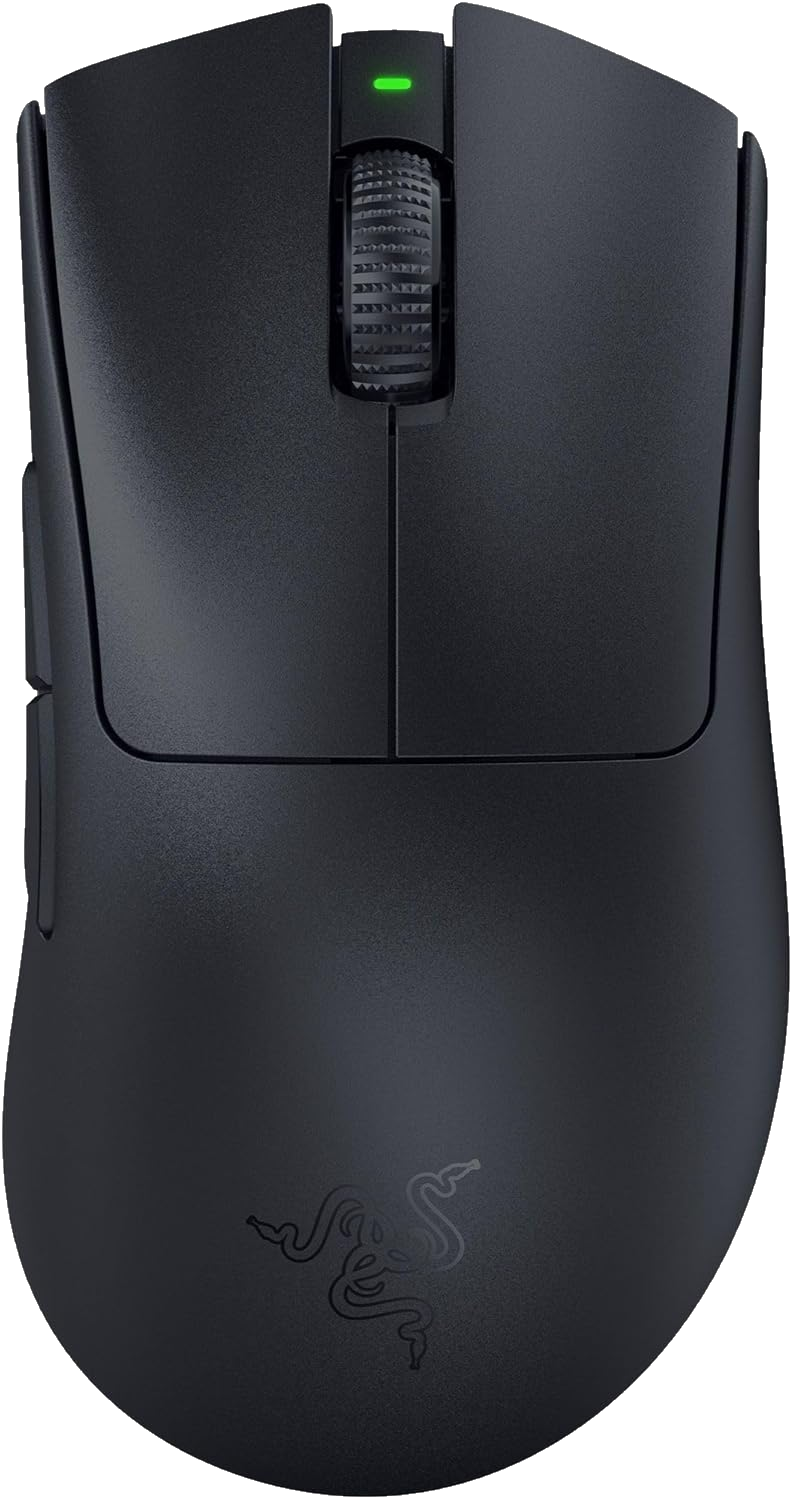
Look at shape, size and handedness. A larger sculpted mouse and a small travel mouse serve different needs. If you can, try the shape before committing.
Map the features to actual tasks
Extra buttons can help with repeated actions, but first check that they can be assigned in your operating system and applications. A high sensor number alone will not tell you whether a mouse suits your work.
Check how it connects
Decide whether Bluetooth or a receiver makes more sense for your desk. Check the exact box contents, especially when comparing business, Mac and standard versions of similar products.
Your before-you-buy checklist
- Confirm handedness and dimensions.
- Check receiver and port requirements.
- Review supported software before relying on custom controls.
Sources & approach
Product facts in this guide come from the manufacturers linked below. Selection and buying considerations are Boxire’s editorial judgment, rather than results from hands-on testing.
Read our editorial approach