Tech & Gadgets · BUYING GUIDE
A portable SSD without the spec-sheet confusion.
A portable SSD can make it easier to carry project files. Start with how much space you need and what your computer can connect to, then look at speed claims.
Leave room for the next project
Estimate the space your current files use and allow for growth. Advertised capacity and the amount shown by your operating system can differ, so avoid buying to an exact limit.
Your port is part of the speed equation
The connection, cable, workload and computer all affect transfers. A drive’s maximum sequential speed is a manufacturer claim, not a guarantee for every folder or every USB port.
Keep another copy
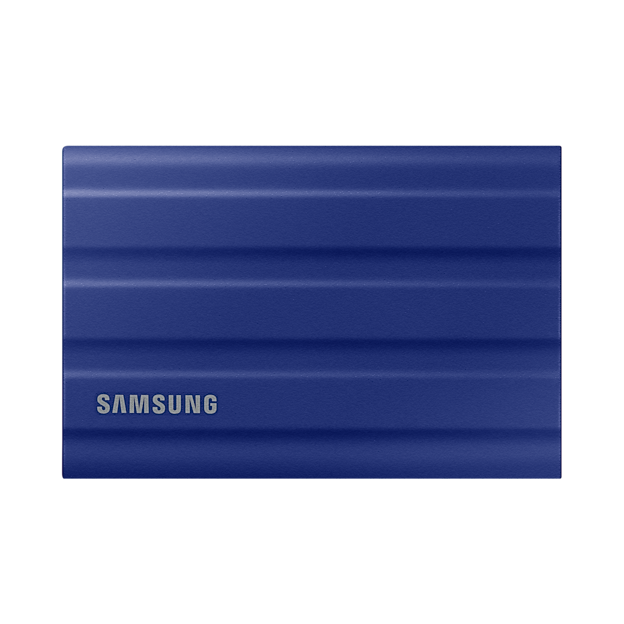
A rugged case does not make the drive immune to loss or failure. Keep important files in more than one location and follow the manufacturer’s instructions for encryption, formatting and safe removal.
Your before-you-buy checklist
- Estimate capacity with room to grow.
- Check port and cable compatibility.
- Plan a separate backup for important files.
Sources & approach
Product facts in this guide come from the manufacturers linked below. Selection and buying considerations are Boxire’s editorial judgment, rather than results from hands-on testing.
Read our editorial approach