Tech & Gadgets · BUYING GUIDE
One charger for your everyday devices?
A smaller charging kit starts with the requirements of your devices. A USB-C connector by itself does not tell you how much power a charger, cable or laptop supports.
Start with your laptop’s requirements
Check the manufacturer’s charging specification and the adapter supplied with the device. A compact multi-port adapter may suit a light laptop, while a more demanding machine may need a different power budget.
Read the multi-port power table
A headline wattage usually needs context. Look for the output available with the exact combination of ports you intend to use. Do not assume every port can deliver the advertised total at once.
Treat the cable as part of the setup
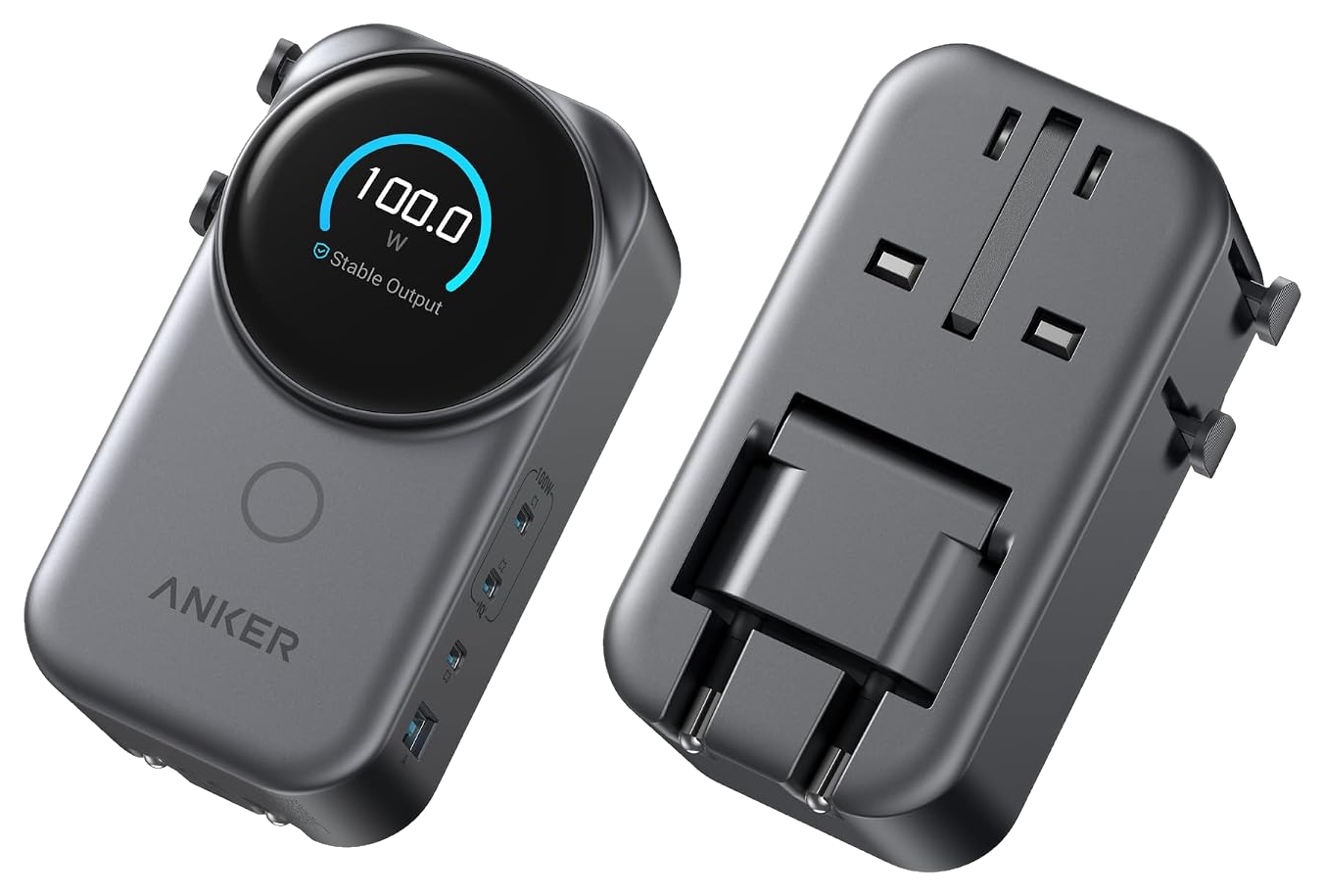
Check the cable’s stated power rating and the charging standards supported by both devices. Match the wall plug to the country where you will use it.
Your before-you-buy checklist
- Check the device’s required charging power.
- Read the output table for simultaneous charging.
- Verify the cable rating and regional plug.
Sources & approach
Product facts in this guide come from the manufacturers linked below. Selection and buying considerations are Boxire’s editorial judgment, rather than results from hands-on testing.
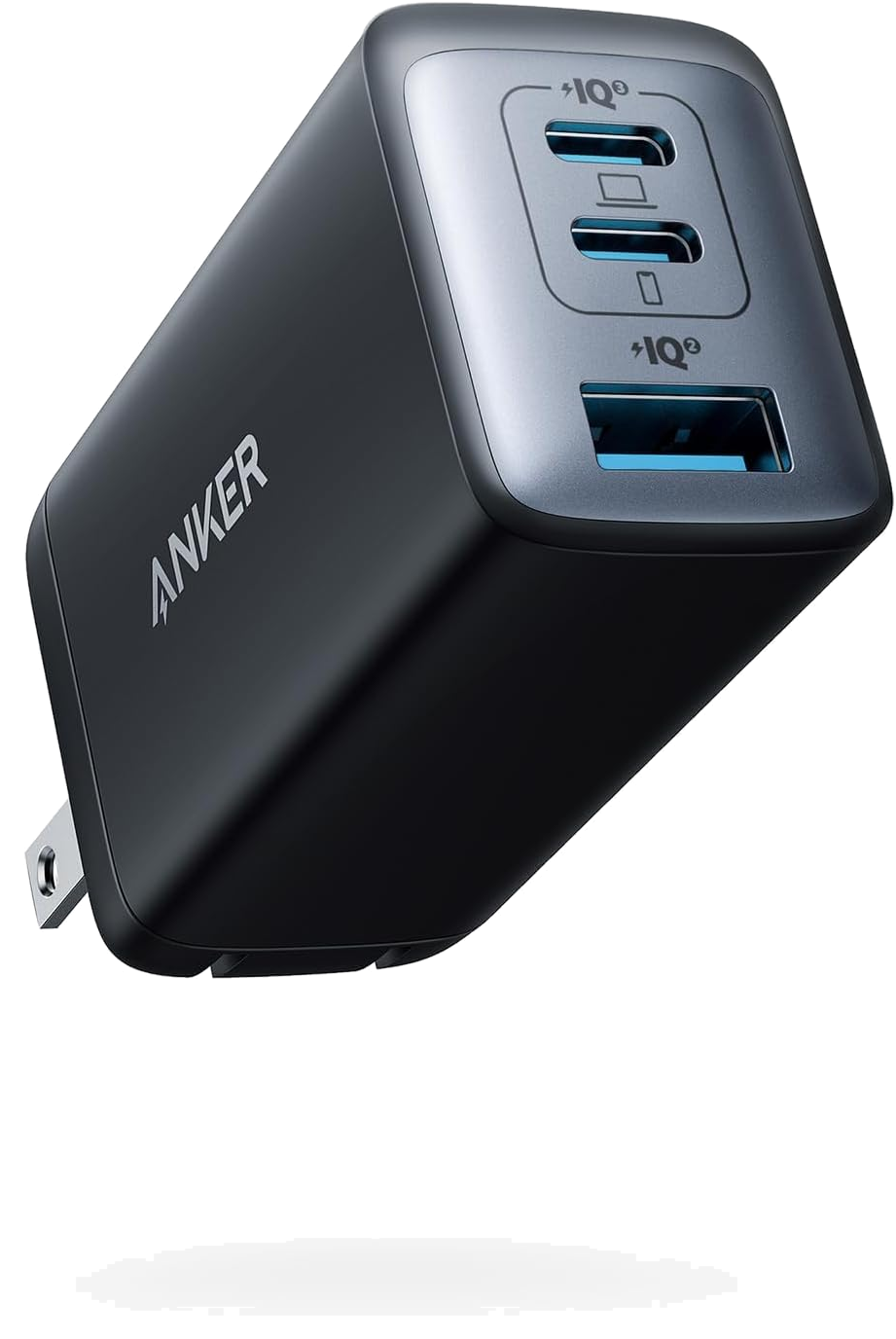
- Anker — 735 Charger introduction ↗
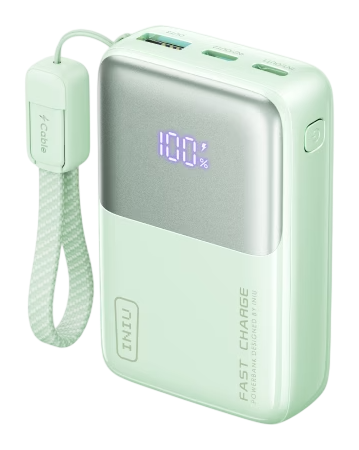
- INIU — Pocket Rocket P50 specifications ↗
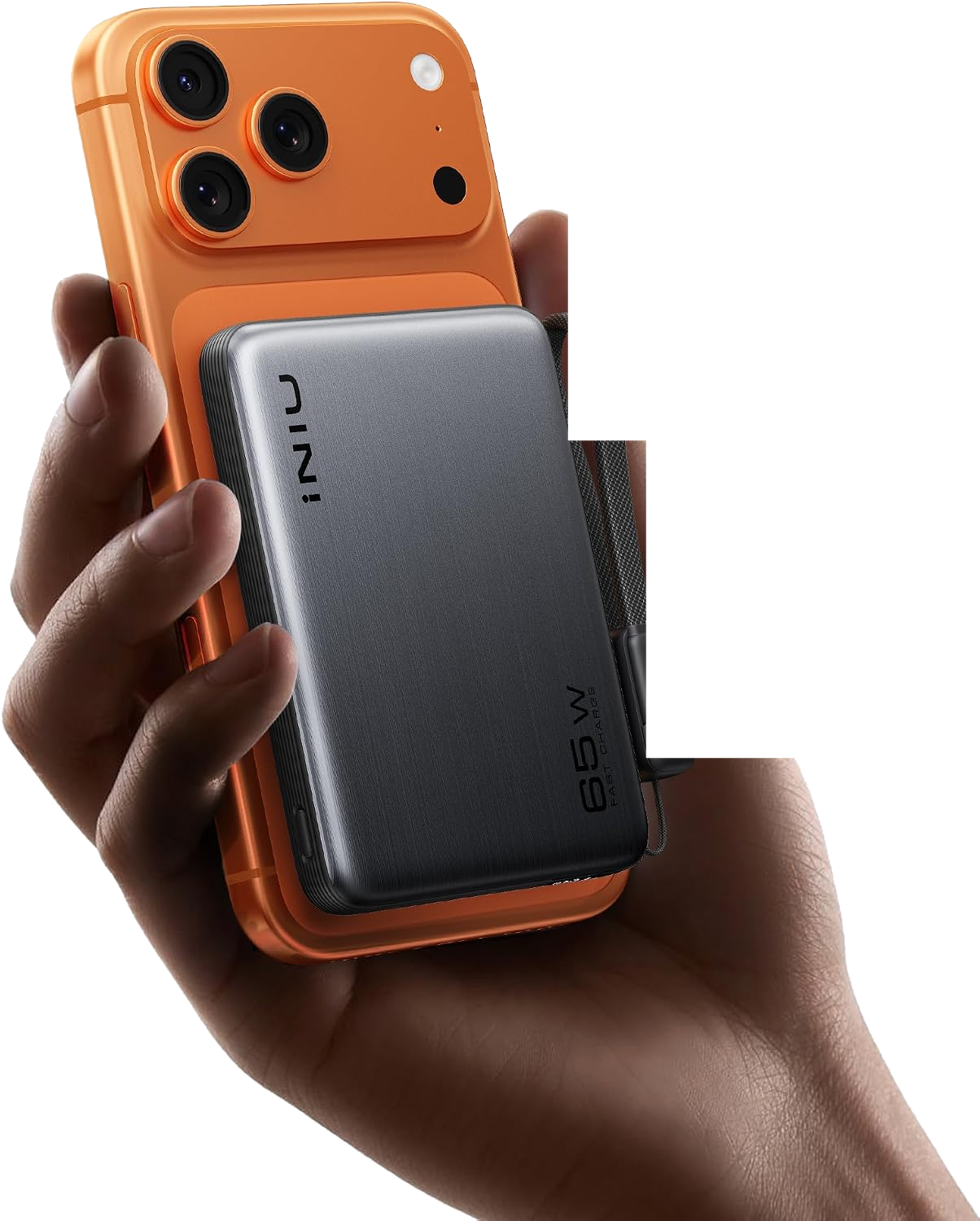
- Wireless Power Consortium — Qi Certificate QI-27143 (INIU P791) ↗
- Anker — A140A 100W Global Travel Charger ↗